In this blog post, let’s see how to upgrade a Windows Server 2012R2 Failover cluster to Windows Server 2016. My current LAB setup is a 3 node cluster, all running 2012R2 and I decided to upgrade them to 2016 to learn new features/enhancements of windows server 2016. Thought of coming up with a short blog post on how to perform this if anyone of you are on the same boat as me.
Anyways….Here’s my current lab setup.

Before moving on…what options do I have for upgrading my cluster?
Option 1: Install Windows Server 2016 on a completely new machine and introduce to the existing cluster and move roles and remove the old 2012R2 node….Work on the next node and perform the same….so on…till all your nodes in your cluster are 2016 machines. As the last step Raise the Cluster functionality level to 2016.
Option 2: Select a node which you want to upgrade, drain roles->evict node->Perform in-place upgrade from 2012R2 to 2016->Introduce the upgraded node back to cluster. Perform the same till all your nodes in your cluster are 2016 machines. As the last step Raise the Cluster functionality level to 2016.
NOTE: Yes, you can have windows server 2016 and windows server 2012R2 nodes participating in the same cluster. It’s called mixed mode, which is a new compatibility feature/enhancement introduced to transition from server 2012 R2 to 2016 without downtime. However you can’t leave the cluster in that state for ever. You’ve 4 weeks time to be in supported state. As soon as all the nodes in the cluster are upgraded to server 2016 the cluster functional level should be upgraded. Once this is done, we can’t revert/rollback, we can’t add 2012 R2 nodes to this cluster anymore.
I’ve chosen to perform inplace upgrades(Method 2 as mentioned above). Would I do this in Production? Probably not.
Now…I’ve drained the node which I would like to upgrade to 2016 and evicted from cluster.


It’s gone! My current cluster state at this point is shown below.

Now…I inserted 2016 media on the server which I just evicted and performed upgrade.
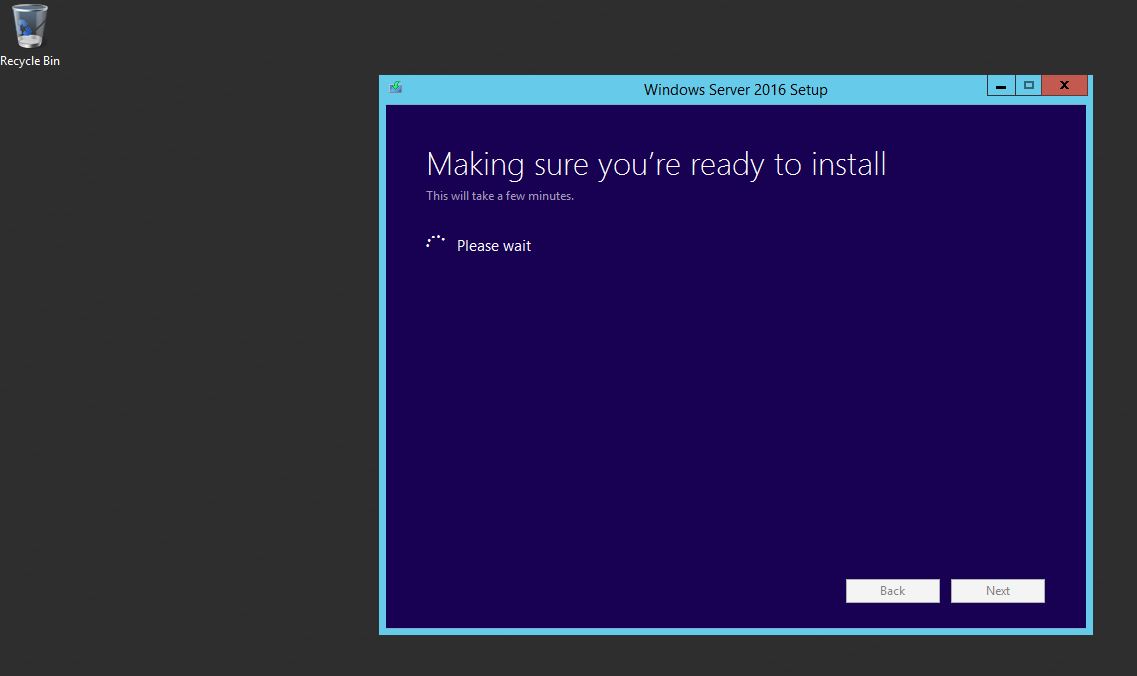

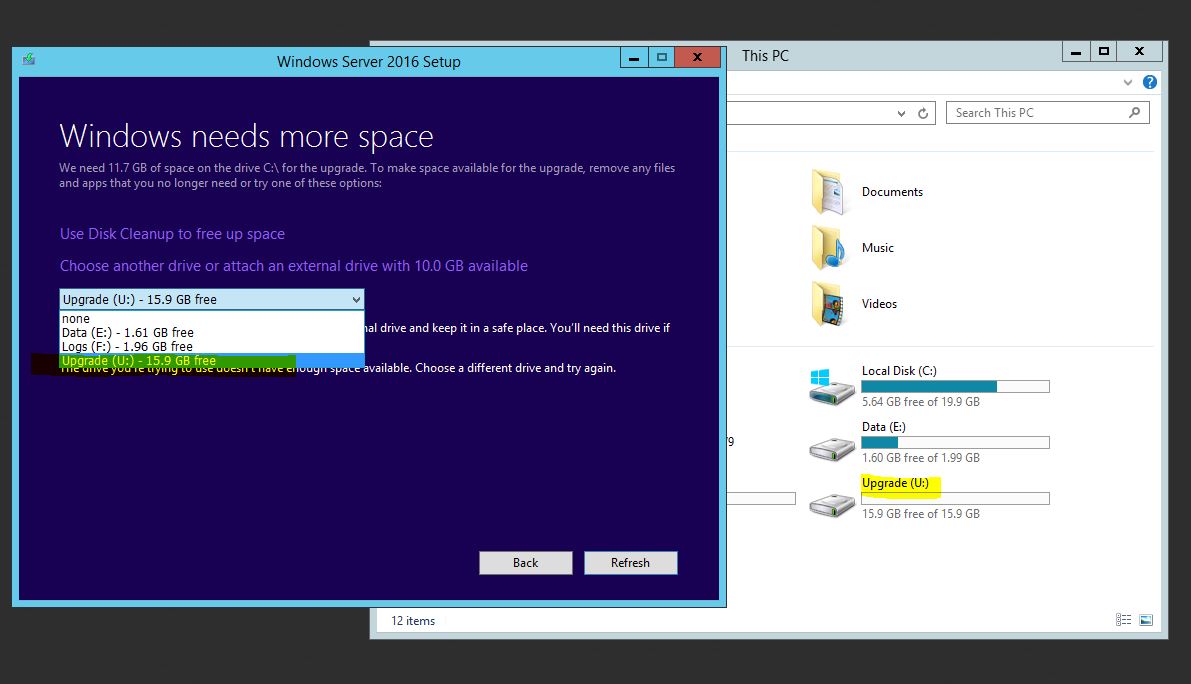
I had no free space on C$, so I ended up adding a new drive(U$) to facilitate upgrade process. Well, It failed…I had to expand Drive C$ and restart the process!!

After struggling for around 90 minutes or so, I am all set.
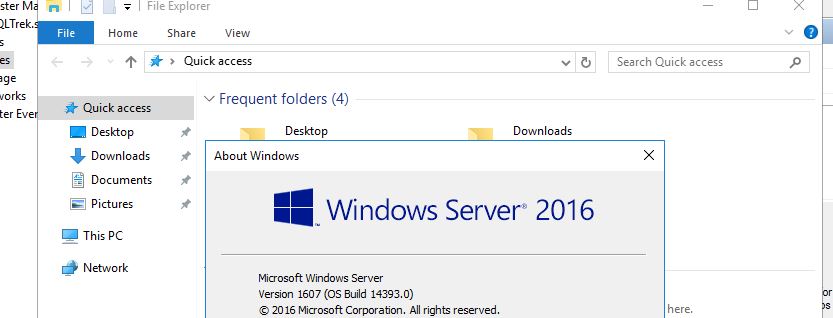
Now, I am reintroducing the node back into the cluster.


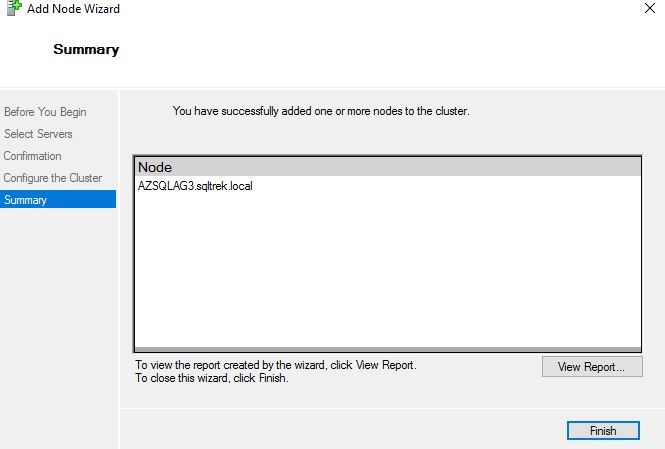
Alrighttttttttttttttty…..Here it is!

As you can see below, Current cluster functional level is set to 8. Once all the nodes have been upgraded to 2016 in this cluster, we should upgrade functional level as I already mentioned and the below command would return 9 as the output.

There you go guys, Hope this helps. Happy weekend!
Update: After spending few more hours, I was able to upgrade all my nodes to 2016 and upgraded cluster functionality level. It’s no longer in Mixed Mode(in other words, I won’t be able to add a windows 2012 R2 node to my cluster). See below…As I mentioned above, the cluster functional level is set to 9 after I issued “update-clusterfunctionallevel”


Leave a reply to Always On availability group(s) – Rolling upgrades – MSSQLTREK Cancel reply