In this Blogpost, Actually I thought of showing few hidden gems in our our Fabulous SSMS standard Reports, but ran into one of the interesting issues when i was trying to open REPORTS from SSMS. You can see the error Message below in the window.

Please note, I’m running on SQL Server 2008 SP2! So it has nothing to do with the Bugs or Service Packs or even any Cumulative updates installed!
How to Fix this Issue in my case?
I remember not Installing complete Client tools on this Server while I was installing SQL Server. You can see the below Screenshot where BIDS and other Client Components(I Installed only SSMS initially) being missing on this Server.

Let’s Install BIDS(Business Intelligence Development Studio) and see what SSMS say when we try to bring up Reports!

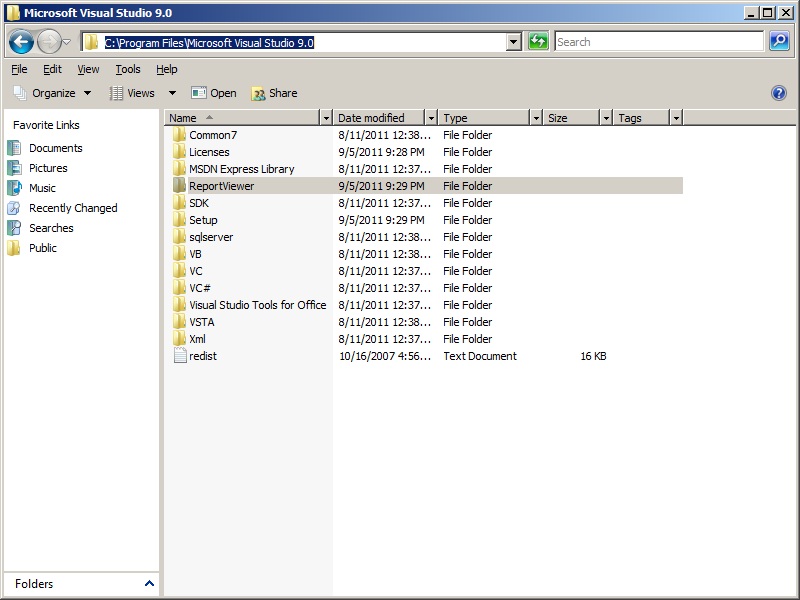
As you can see once I Installed BIDS, I was able to open Reports Successfully 🙂 Also, you can verify a folder called “ReportViewer” Being created in Microsoft Visual Studio Folder in “program files” Directory as seen below.
Hope this helps when you get into a similar Issue!


Leave a comment