In this short blog post let’s take a screenshots tour of SQL Server 2016 Failover cluster installation and see if Microsoft made any significant changes to the setup process.
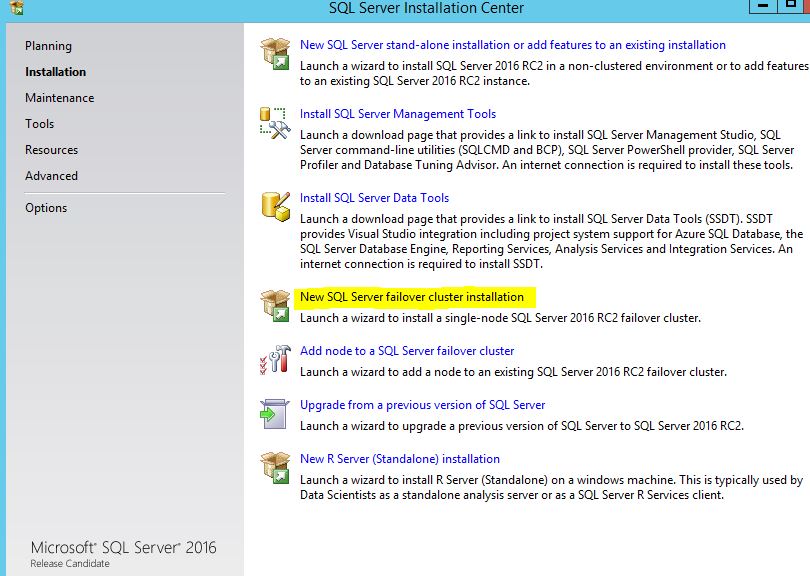
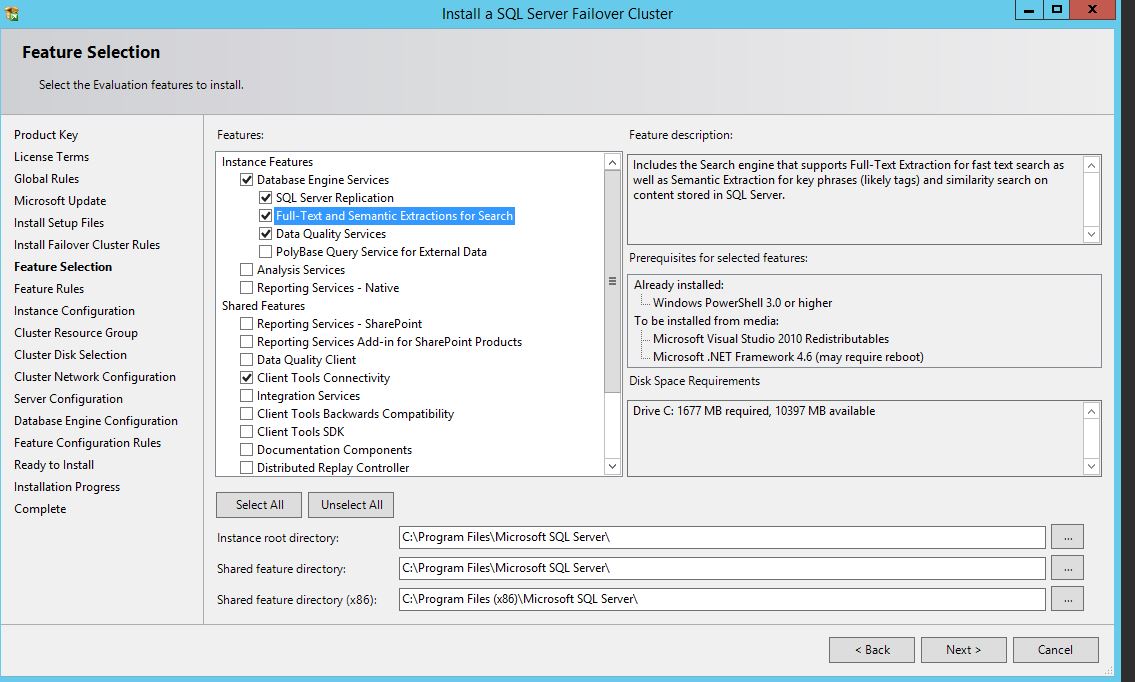

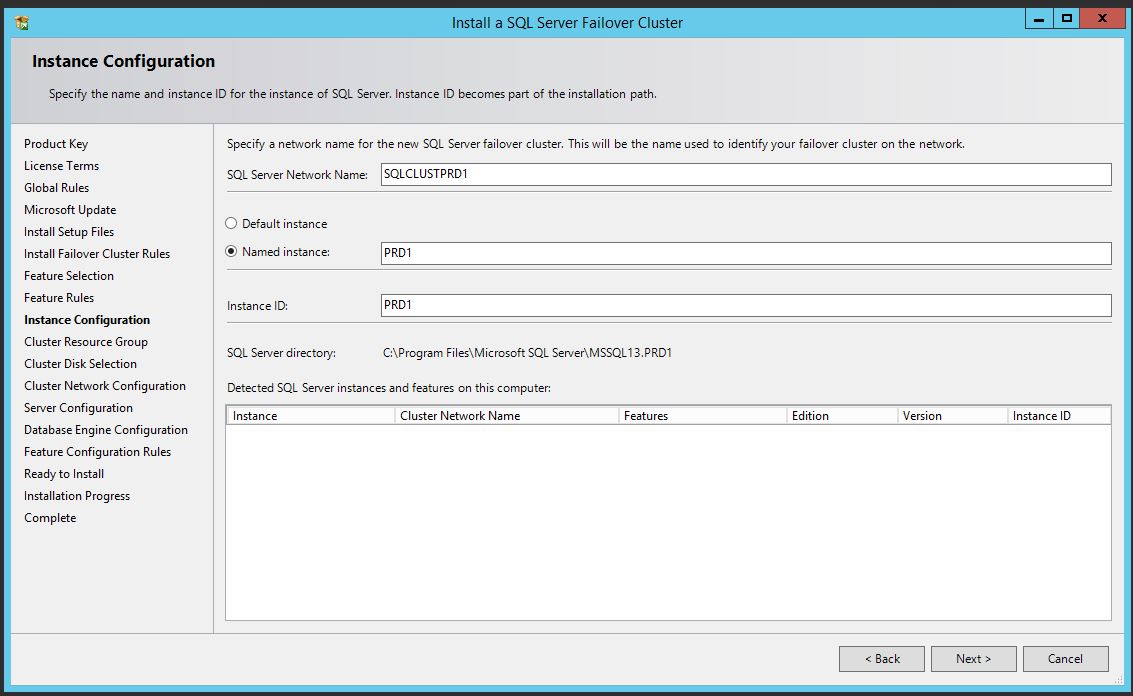
In the above two screenshots, I’ve provided my VNN and Instance name for SQL.

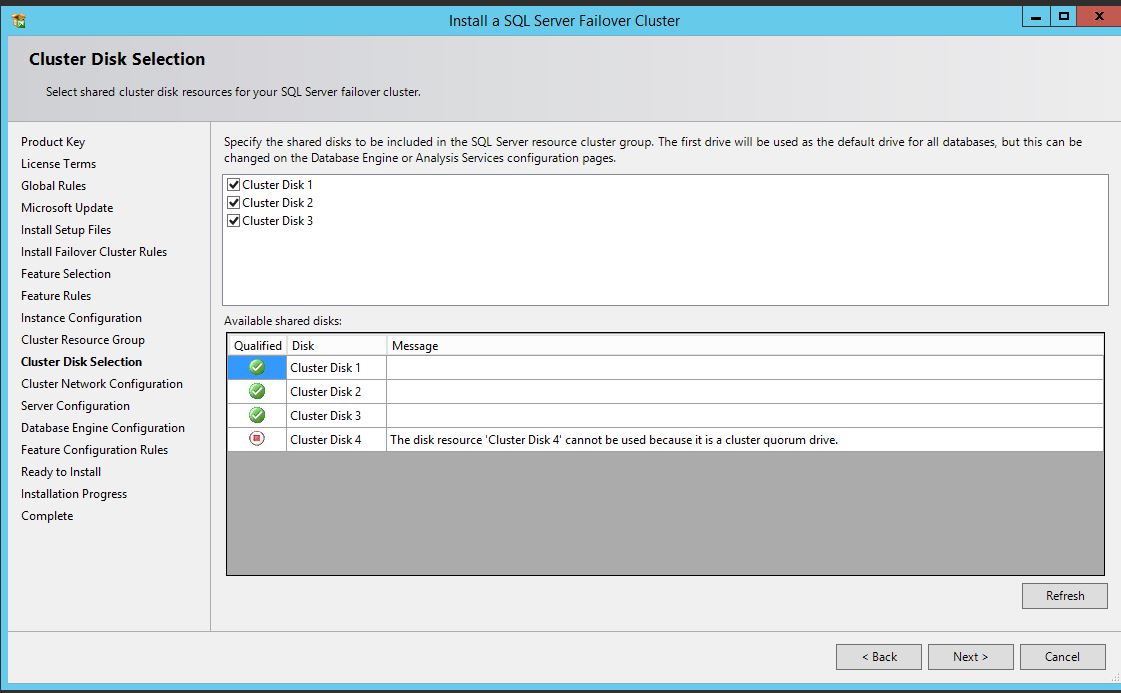
Add your Disks as needed.
provide your IP address.

Enter your Service accounts.

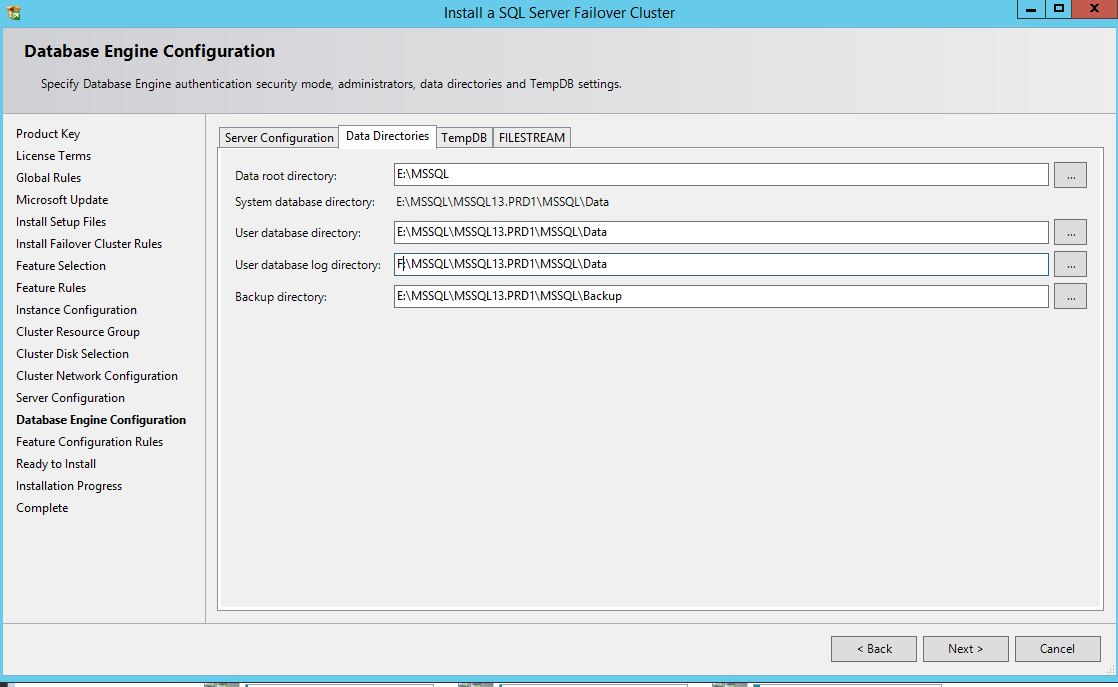
Select your Database directories accordingly and go to TempDB tab to check SQL installation wizard creating tempdb data files based on the number of CPUs you have got.

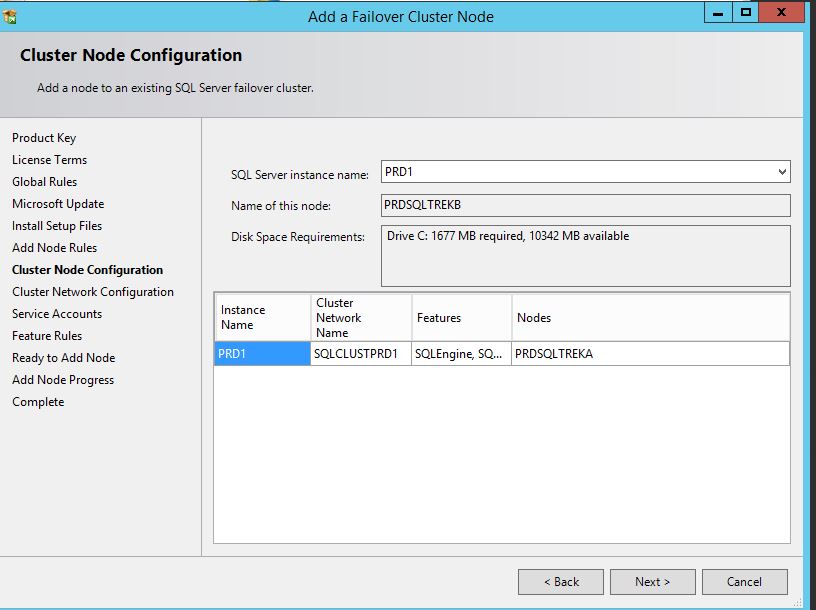
This is the first node of my cluster setup, hence you can see PRDSQLTREKA as the only node listed in the above screenshot. Next Next Done.
Now on the second node:
Select Add node to SQL Server Failover cluster and Next-Next-Next, provide service account and done.
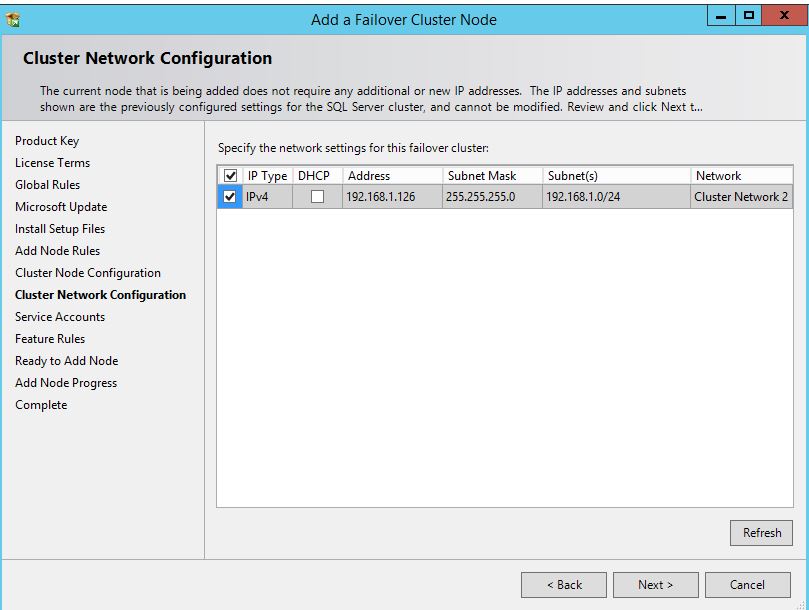

Basically nothing has been changed specific to Cluster setup. If you are comfortable with earlier cluster setups, then you should be golden. Cheers!


Leave a comment