This would be a very small blogpost, Well, actually an informational Post, no Issues and no troubleshooting shown in this post!
We all, being a DBA will be running “sp_configure” every now and then on our SQL Instances to see what are the configured settings on the Instances. okay, okay….If you don’t have this Practice, make this a habit from right now. Document your Instance settings in your Run Book and compare with them each time you run this and you can analyze what/why/when/who changed accordingly.
Okay, By default if we run “sp_configure” on our Instance, we’ll be getting only 17 Rows(as of SQL Server 2012 RC0).
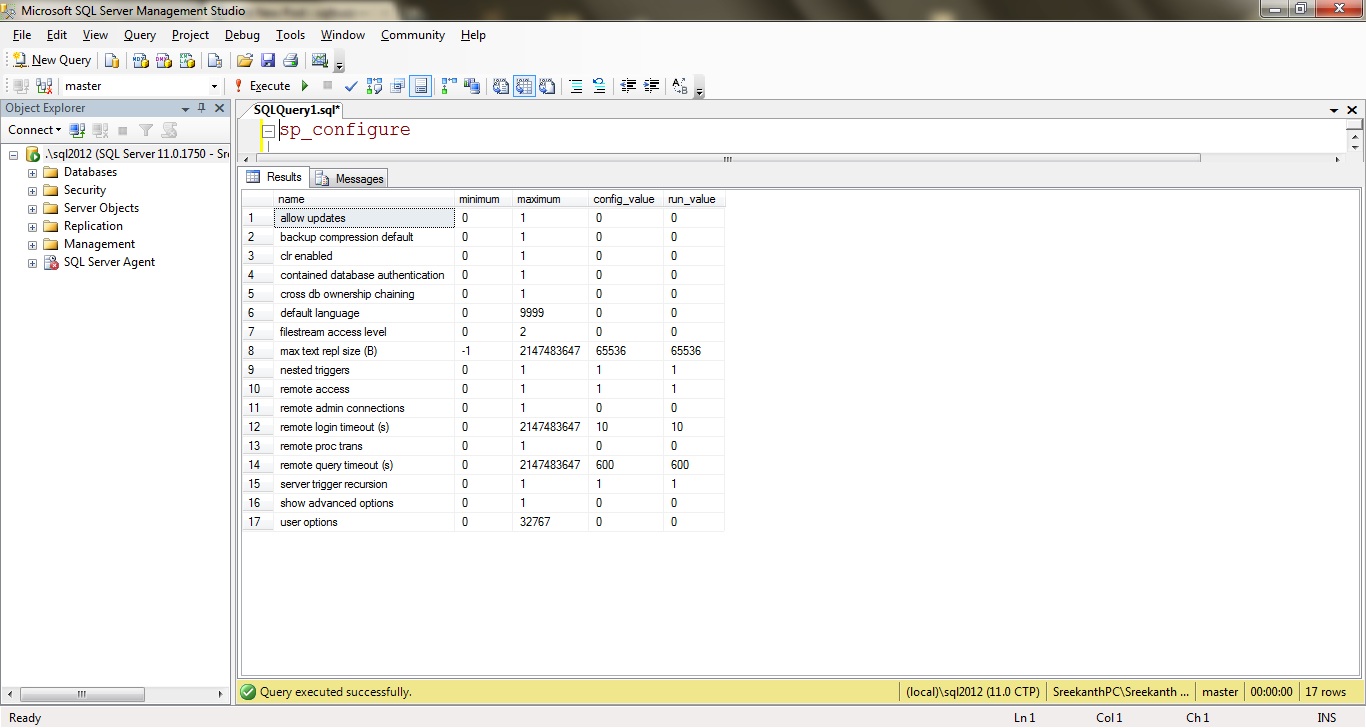
So are those the only configurable Settings we’ve in SQL Server? Nope!
Actually, you can get all the configurable options from querying sys.configurations, where it returns 69 Rows as shown below.
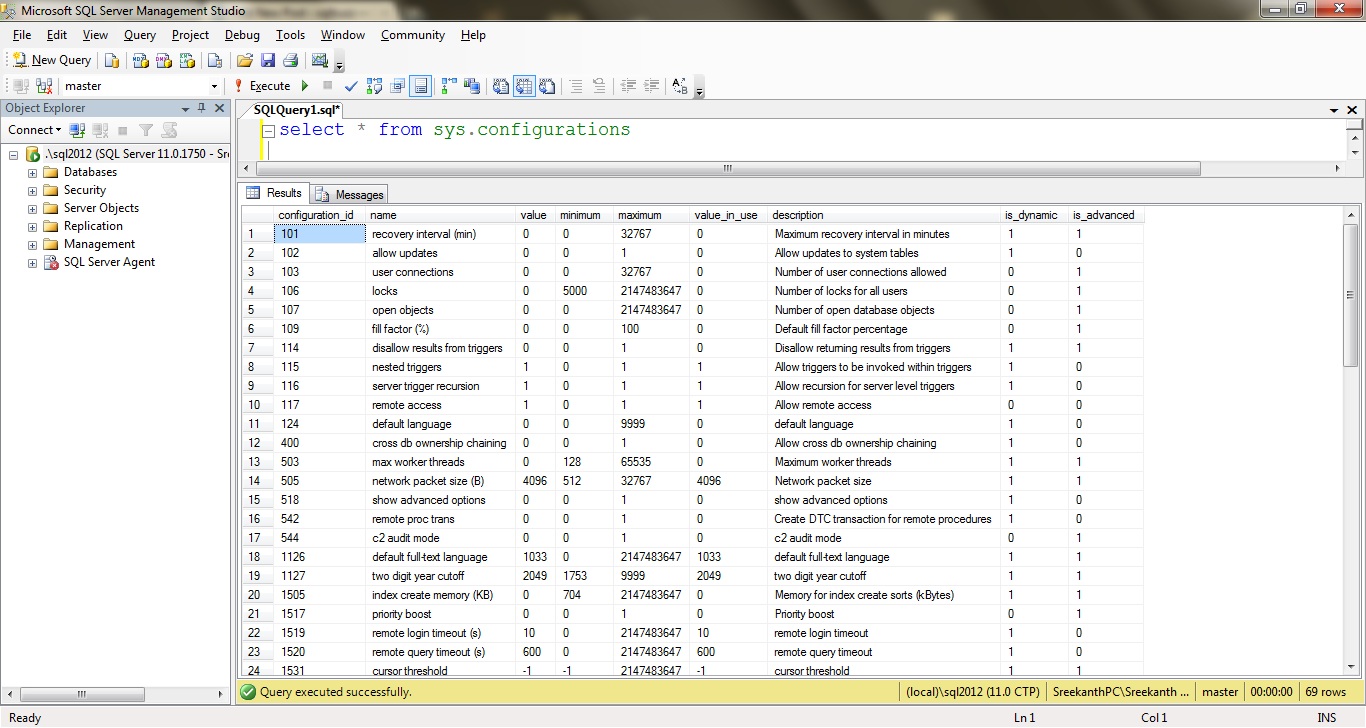
Is_Dynamic = 1 implies, no need of running RECONFIGURE Statement after changing the setting.
Is_Advanced = 1 implies, we should run RECONFIGURE Statement after changing a setting.
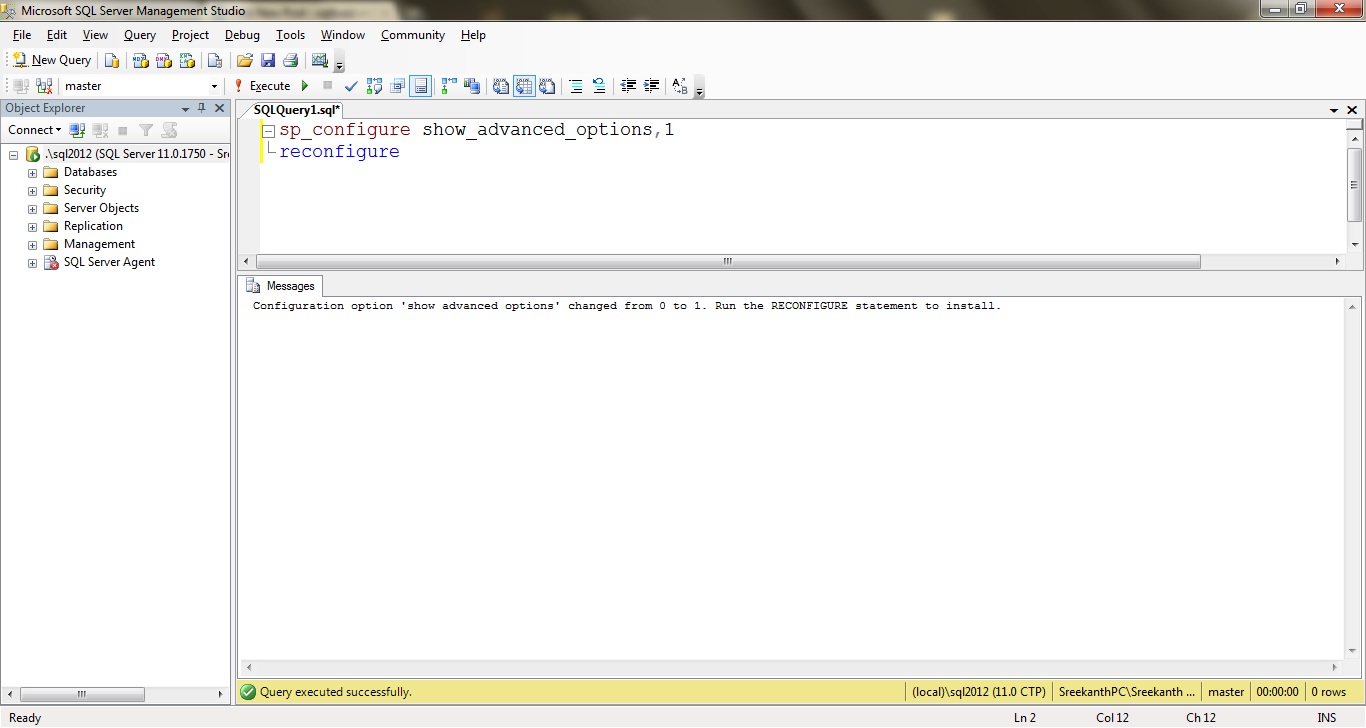
Now, for sp_configure to return all the 69 Options(rows) all we’ve to do is enable “show advanced options” and run “RECONFIGURE” as shown below.
Once, done issuing “SP_Configure” will return all the options available as you can see below.
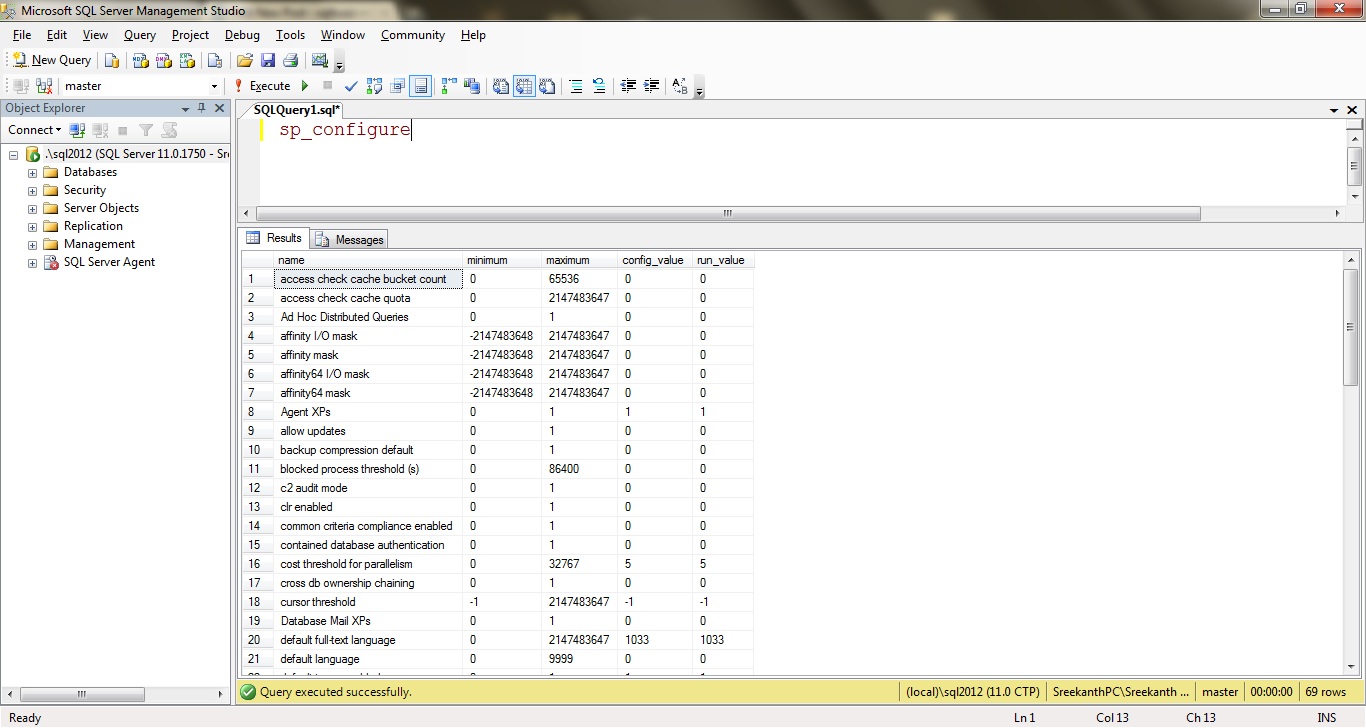
Now, you can see 69 rows being returned. Cheers!


Leave a comment